
Wi-Fi Access Point Installation in London
Wi-Fi dead zones are one of the most common problems we see in London homes. Perhaps a video buffers upstairs, or a smart speaker drops offline in the kitchen. In most cases the broadband is fine. Instead, the problem is coverage.
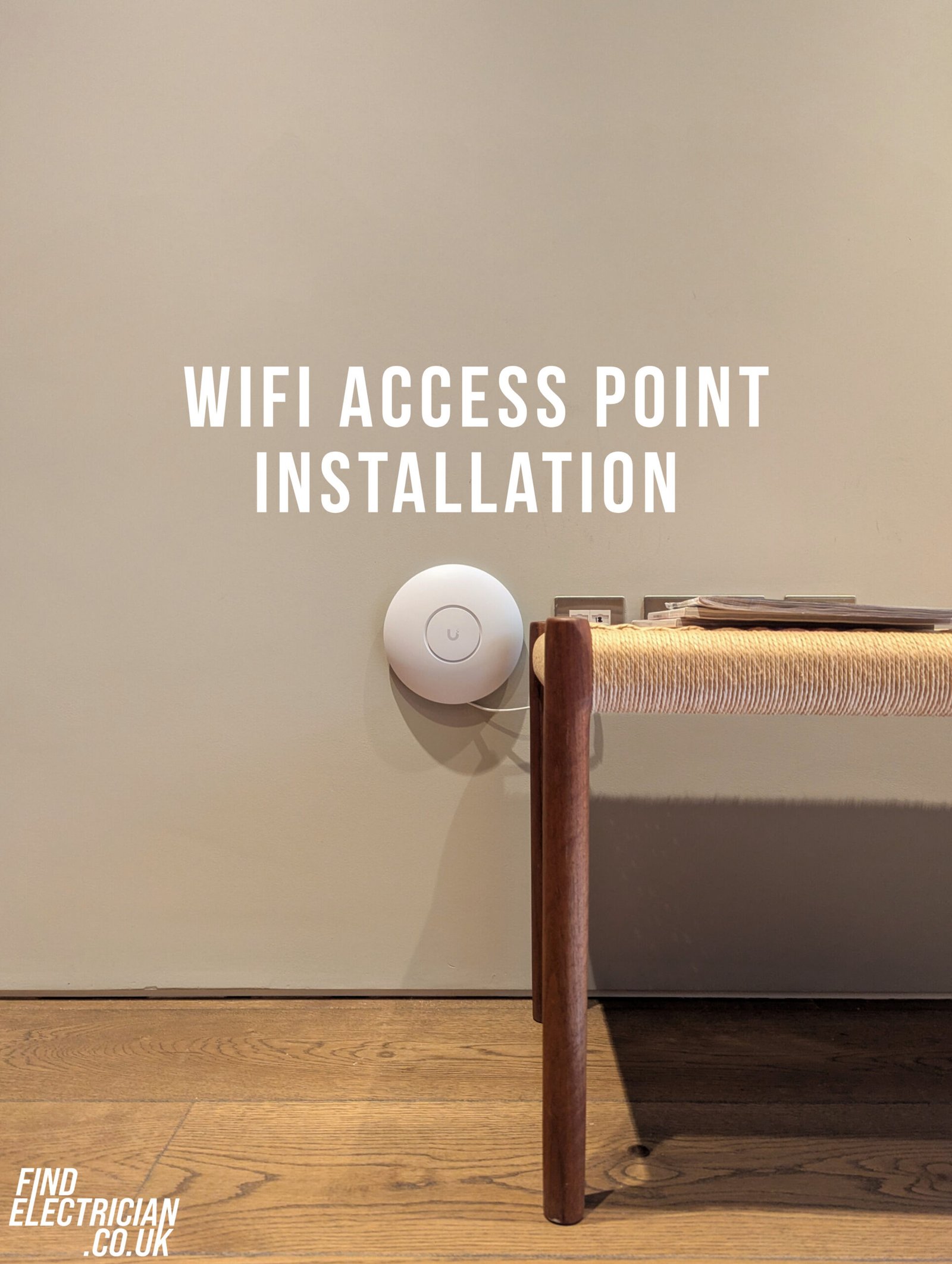
A professional Wi-Fi access point installation is usually the fix. It is also very different from the plug-in extender gathering dust in a drawer. We install Ubiquiti UniFi access points, cabled back to your router with Cat6, as part of our data networking work across London.
- Cat6 data cabling
- NAPIT-accredited
- Free assessments
What is a Wi-Fi access point?
A wireless access point is a device that broadcasts Wi-Fi from its own wired connection back to your router. Because it has its own cable, it sends out a full-strength signal from wherever it is mounted. Here is how it compares with the usual options:
Router
Does everything from one spot. As a result, far rooms and upper floors often get a weak signal.
Plug-in extender
Repeats a signal that is already weak. So, speeds drop the further you get from the router.
Mesh system
Nodes talk to each other wirelessly. However, thick walls can weaken the link between them.
Wired access point
Each unit is cabled back to the router. Therefore, every room gets a fresh, full-strength signal.
Why London homes get Wi-Fi dead zones
London’s housing works against Wi-Fi more than most. For example, solid brick walls, thick party walls and several floors all block or weaken a wireless signal.
We see this all the time in Willesden, Kensal Rise, Camden, Chiswick and across North West London. In these homes, a single router simply cannot reach every room.
How a Wi-Fi access point installation fixes dead zones
Several access points placed around the home, each cabled back to the network, give you strong Wi-Fi in every room. We fit Ubiquiti UniFi units, so the whole system is managed from one app.
Full-strength signal
First, each access point broadcasts a fresh signal, instead of repeating a weak one.
Seamless roaming
Your phone switches between access points as you move, under one Wi-Fi name.
Room for every device
Also, there is enough capacity for streaming, video calls and smart home devices at once.
One cable per unit
Most access points are powered through the data cable itself, so no extra plug is needed.
Neat and discreet
Access points sit flat on the ceiling or wall, so they blend into the room.
Reliable home working
As a result, video calls and uploads stay stable, even at the far end of the house.
Signs you need an access point
- Videos buffer in some rooms but not others
- Smart speakers or cameras keep dropping offline
- Your extender or mesh system is slow or unreliable
- Video calls freeze in your home office
- The garden, loft or basement has no signal
During a rewire or renovation
The ideal time to install access points is during a rewire, refurbishment or loft conversion. That way, the data cabling runs alongside the electrical work with very little extra disruption.
However, you do not need to wait. In a finished home, we can usually route cables neatly through lofts, under floorboards or along existing wiring routes.
Our Wi-Fi access point installation process
Because every home is different, we follow four clear steps.
Wi-Fi survey
First, we check where your Wi-Fi dead zones are and why.
Plan
Next, we choose access point positions and the neatest cable routes.
Install
Then, we run Cat6 cabling and fit and configure each Ubiquiti UniFi access point.
Test
Finally, we test the signal room by room, so every space is covered.
5.0 ratingFrom 85 Google reviews
NAPIT-accreditedMembership No. 65117
Data cabling specialistsCat6 cabling and network points
London-wideN, NW, W and SW postcodes
More ways to upgrade your home
Wi-Fi access point installation FAQs
Will an access point fix my Wi-Fi dead zones?
In most cases, yes. Because each access point has its own cable, it gives a strong signal exactly where you need it.
How many access points do I need?
It depends on the size and layout of your home. For example, a two-floor terrace often needs two or three. We confirm this during the free survey.
Do I need a cable to every access point?
Yes, each access point needs one data cable. However, that single cable usually powers it too, so no extra socket is needed.
Can you install cables without damaging my home?
Usually, yes. We route cables through lofts, under floorboards or along existing wiring routes, and we tidy up afterwards.
Which access points do you install?
We install Ubiquiti UniFi access points. They are business-grade, manageable from one app, and reliable in thick-walled London homes. In addition, wired units beat mesh, because they do not rely on a wireless link between nodes.
Do you cover my area?
We cover North, North West, West and South West London, including Willesden, Kensal Rise, Camden and Chiswick.
Book your Wi-Fi access point installation
First, tell us about your home. Then, we will arrange a free Wi-Fi assessment and quote.
