
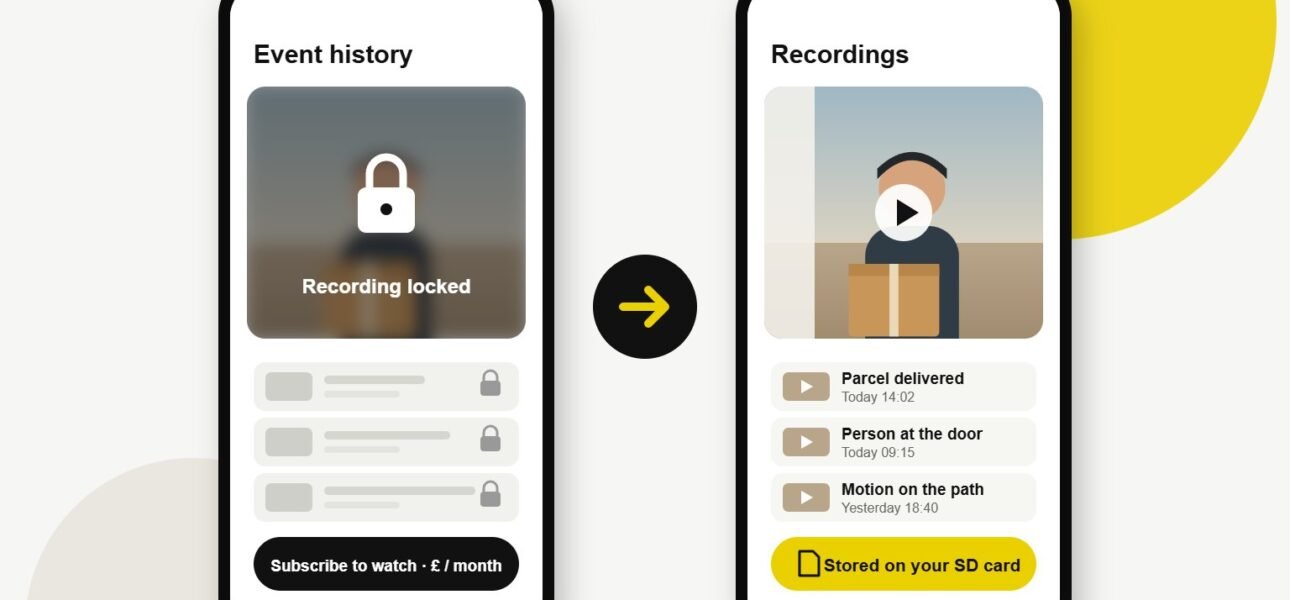
It usually goes the same way. You buy a Ring or Nest doorbell, it works brilliantly for a month, then the free trial ends and you find out that watching back what happened on your own doorstep now costs money every month.
We get asked about this a lot, so here’s the straight answer: what you actually lose without a plan, and why we now fit a video doorbell without a subscription for most of our customers in London.
What do you lose without a Ring or Nest subscription?
Quite a lot, as it turns out. Ring is fairly upfront about it: without a Ring Protect plan you still get live view, motion alerts and two-way talk, but you don’t get recorded video history (Ring’s own explanation). So if a parcel goes missing while you’re at work, there’s nothing to look back at.
Google Nest is similar. Without a Google Home Premium plan, a Nest doorbell keeps only a few hours of event history: three hours on older models and up to six on newer ones, according to Google’s help page. Anything older than that is gone.
Neither is a bad product. The problem is that the most useful part, being able to look back, is the bit you rent.
Why the subscription adds up
A few pounds a month doesn’t sound like much, but it never stops. Over the years you own the doorbell, the plan can easily end up costing more than the doorbell did. And if the price goes up, you either pay it or lose your recordings.
There’s also the question of where your footage lives. With a cloud plan, every clip of your front door, your family and your visitors sits on someone else’s servers.
What is a video doorbell without a subscription?
A video doorbell without a subscription saves its recordings somewhere in your home instead of in the cloud. That might be a microSD card inside the doorbell, a small base station plugged into your router, or a recorder that also handles your other cameras.
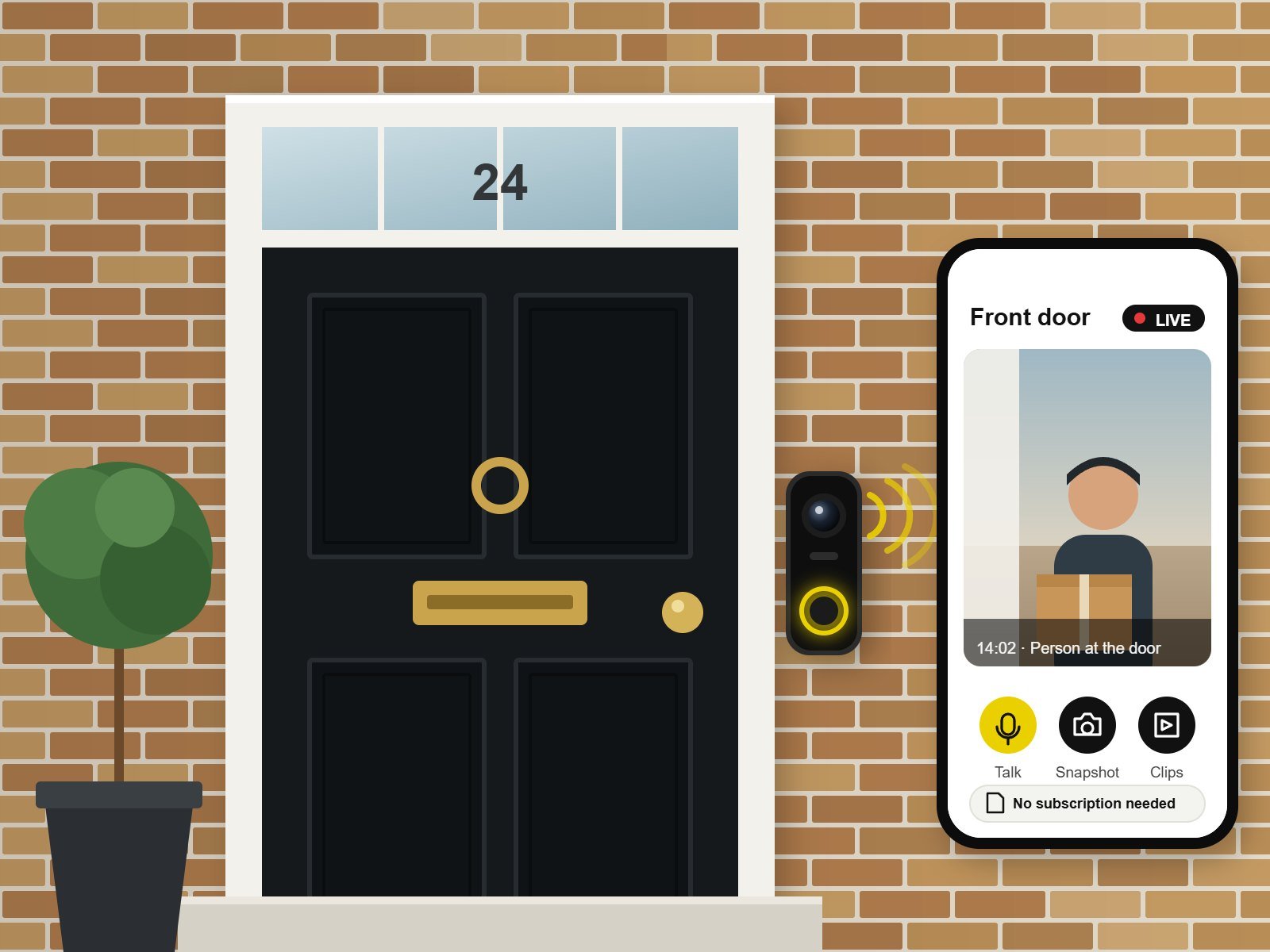
You still get everything you’d expect: alerts on your phone, live view, two-way talk and clips you can scroll back through. You just don’t pay monthly to watch them, and the footage stays in your house.
The video doorbells we recommend
These are the three we fit most often:
- TP-Link Tapo is the best value. The Tapo D235, for example, can run on its battery or be wired in, takes a microSD card up to 512 GB and comes with a plug-in chime. Tapo do sell an optional cloud plan, but you don’t need it to record.
- Eufy keeps recordings on a Eufy HomeBase that sits in your home, with no monthly fee. It’s a good choice if you’d like Eufy cameras on the rest of the house too.
- UniFi (Ubiquiti) is our pick if you want it rock solid. The PoE versions take power and data down a single network cable and record to a UniFi Protect console. If we’ve already installed UniFi Wi-Fi for you, it slots straight in.
We’re not tied to any brand, so we’ll recommend whichever video doorbell without a subscription suits your door, your Wi-Fi and your budget.
Wired or battery?
Whichever video doorbell without a subscription you choose, go wired if you can. A wired doorbell never needs taking down to charge, and it tends to be more reliable. Most homes with an old doorbell already have thin bell wire running to the door, and we can often reuse it with a new transformer.
Battery doorbells are fine where there’s no cable at all, but you’ll be charging them every so often, and more often in cold weather.
Isn't the old doorbell good enough?
A traditional chime or wireless push button does one job. It tells you someone’s there, as long as you’re home and close enough to hear it. It can’t show you who it is, it can’t let you answer when you’re at work, and it can’t tell you whether that parcel really was left on the step.
Video doorbells are a lot cheaper than they used to be, and for most homes swapping one in is a simple job.
A quick note on privacy
If your doorbell can see the street or your neighbour’s path, the ICO’s guidance on home CCTV applies. It isn’t complicated: have a good reason for the camera, only record what you need, let people know with a sign, and don’t keep footage forever. When we fit a doorbell, we angle it and set privacy zones so you capture your doorstep, not next door’s front window.
Want one fitted?
We’re a family business of NAPIT-accredited electricians, and we fit doorbells across North, North West, West and South West London. We’ll take out the old bell, wire in the new one, set up the storage and get the app working on your phone before we leave.
If you’d like a video doorbell without a subscription, have a look at our video doorbell installation page or send us a photo of your front door for a free quote. Thinking about cameras as well? See our CCTV installation service.
Tell us what you need and roughly where you are, and we’ll get back to you with a free quote, usually within 12 hours. A photo of your front door always helps.
Frequently Asked Questions (FAQ)
Can I use a Ring doorbell without a subscription?
Yes. You still get live view, motion alerts and two-way talk, but without a Ring Protect plan it won’t save recordings for you to watch back.
Which video doorbells don't need a subscription?
TP-Link Tapo, Eufy and UniFi all record locally, to a microSD card, a HomeBase or a UniFi console, so there’s nothing to pay each month.
Can you swap my Ring doorbell for one that doesn't need a subscription?
Yes. We can usually reuse the existing wiring, and we’ll check the transformer gives the new doorbell enough power.
What happens when the memory card fills up?
Most doorbells record over the oldest clips first, so they keep going. If there’s a clip you want to keep, save it to your phone.
Do video doorbells work without Wi-Fi?
They need a network connection to send alerts to your phone. If your Wi-Fi is weak at the front door, we can fit an access point or use a wired UniFi doorbell instead.
